Shimmer
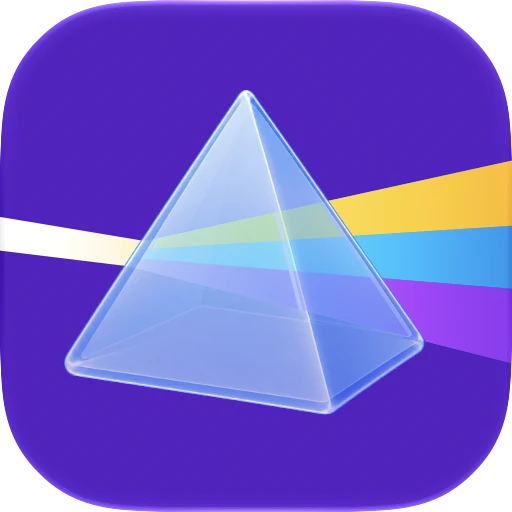
Really excited to share the 2/3 Mac apps that I've been building, Shimmer! Shimmer is a Moonlight client built on Glimmer, but with a focus on Picture in Picture mode and pairing with a PS5 DualSense controller.
Here are a few demos using Shimmer streaming Street Fighter 6 at 30 Mbps via Ethernet on a 5K resolution Apple Studio Display XDR, powered by a base M5 MacBook Pro with 16GB of RAM.
Motivation
Ever since the release of the M-series chips, I always dreamt of the day the Mac would become a serious computer for gaming. But that day never came. Some of my favourite games, like Death Stranding, were released for Mac, but a lot of popular games like Valorant and Fortnite never really made it to the Mac, which I always felt was strange since the Mac has a massive install base that's still growing.
So when I heard my brother was using Sunshine/Moonlight, and I had a headless server running Bazzite, I figured I could get triple-A games running on Mac via streaming.
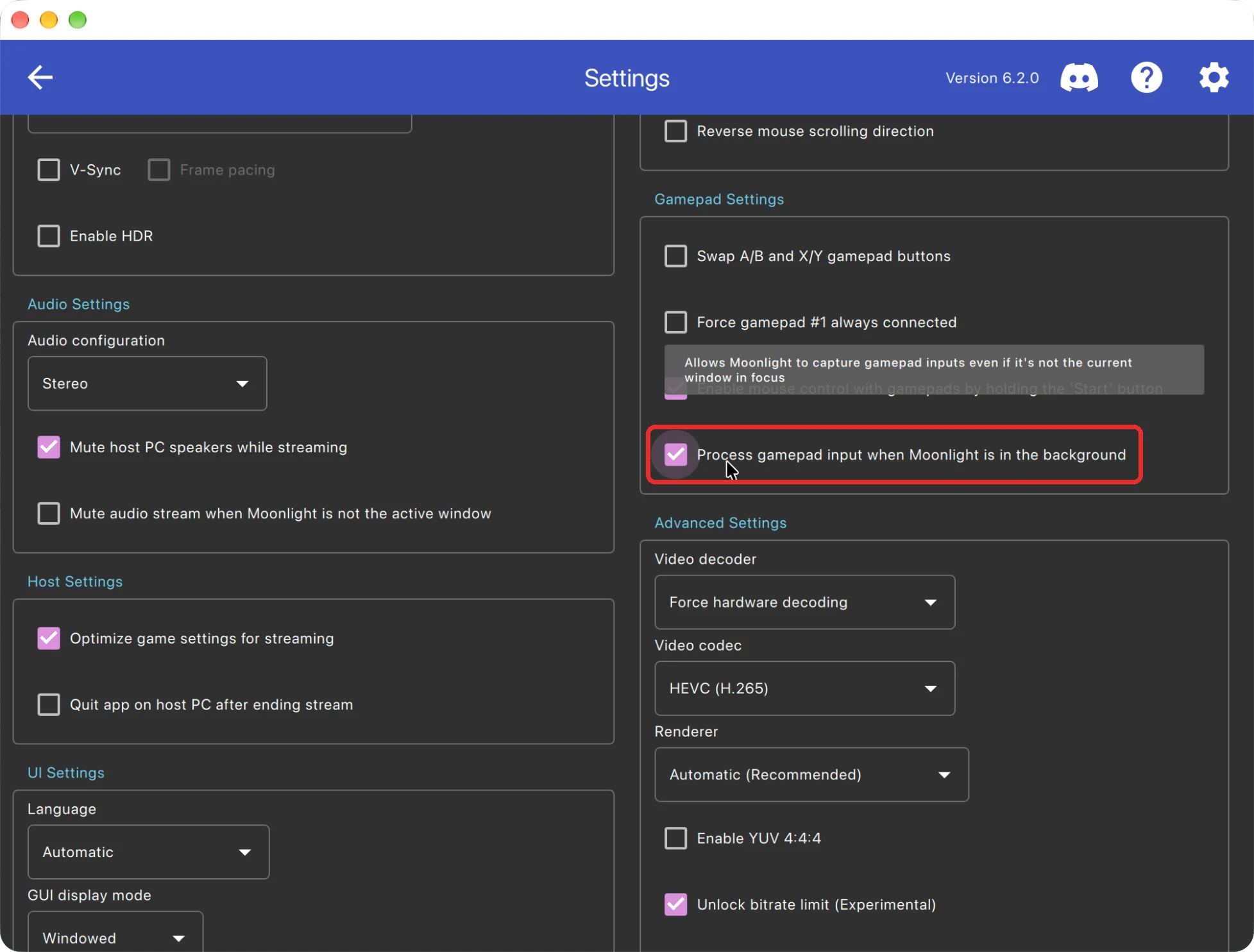
I started using the official Moonlight client and was pretty satisfied! It worked beautifully with Apple's Stage Manager and it was honestly everything I ever wanted. One thing that really interested me was this option in the Moonlight client's settings, where your connected controller could process all controller inputs without the game actually being focused, with virtually no increase in latency. I had also started using Infuse to stream movies and really started to use Picture in Picture mode. With all this, and AI tools getting better at software engineering, I had to give building this a shot!
Glimmer, Tailscale, and design
In search of prior art for a solid Mac-native Moonlight client, I came across Glimmer. I give huge credit to the developer for laying the foundation of Shimmer, and for the architecture that I gracefully never had to look into. However, one thing that didn't feel right, in both the Glimmer and Moonlight clients, was the appearance and the settings that were presented.
I took a lot of design inspiration from the settings in Tailscale's Mac app, which I felt laid out all the different machines nicely, along with a nice use of native tabs for the different settings.
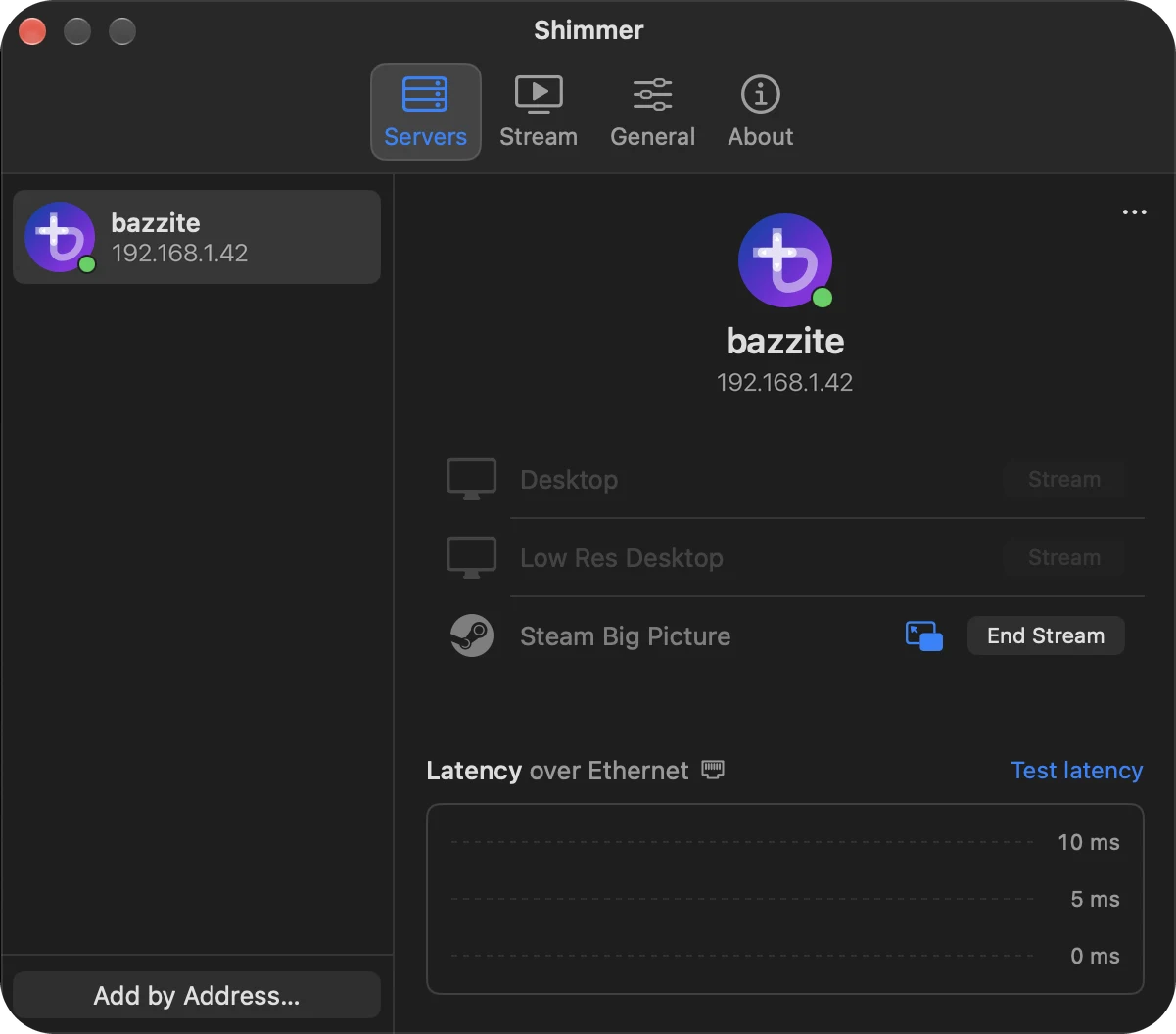
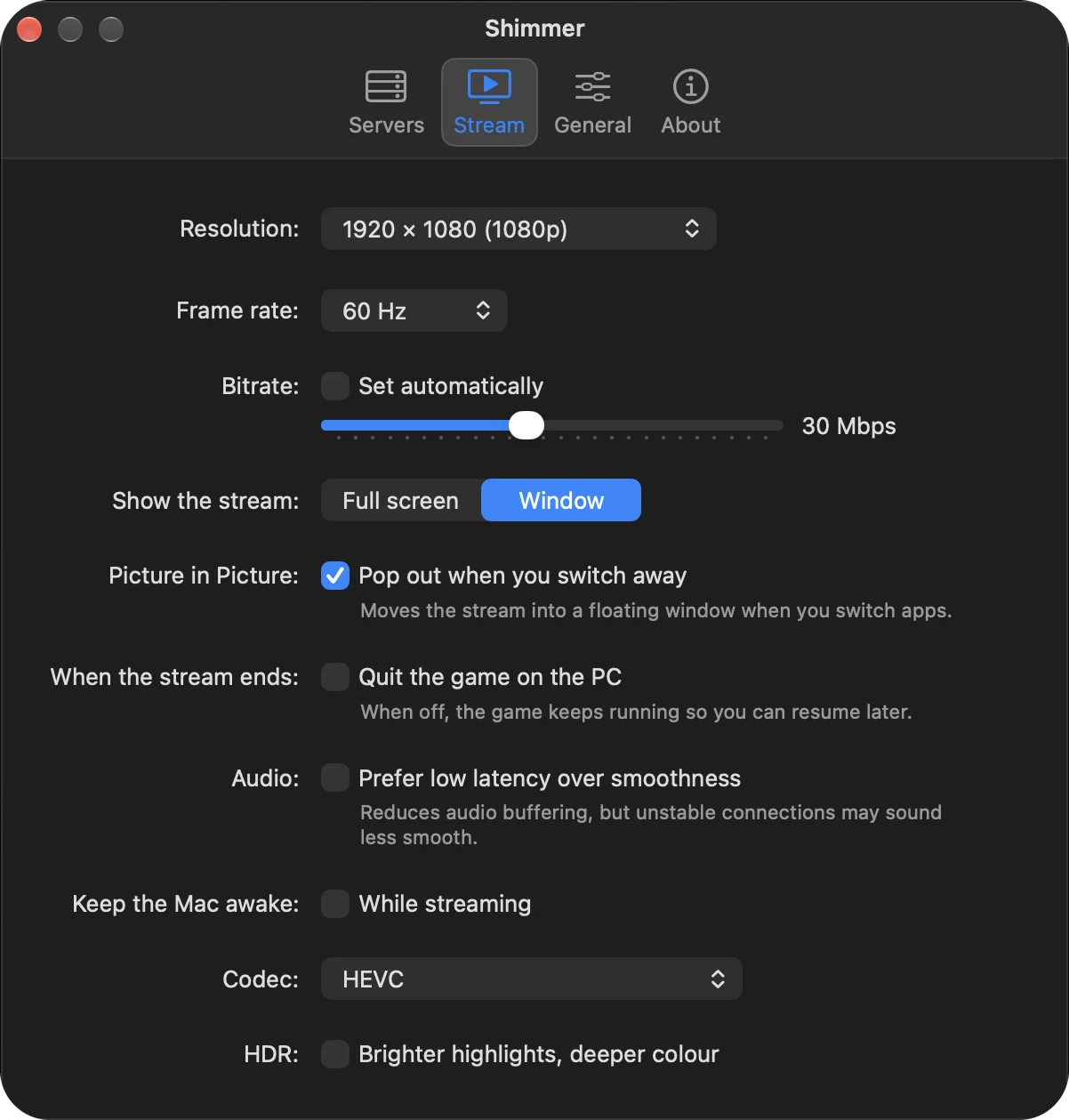
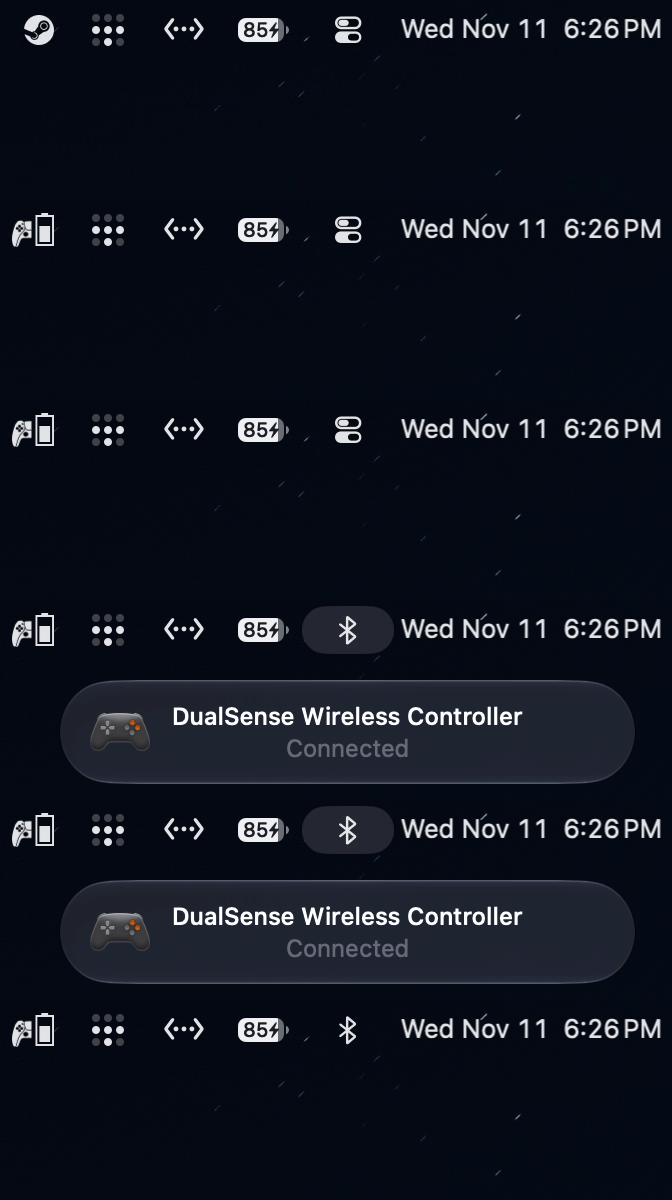
Another thing that I love is high-quality menu bar icons! I pulled the icons from the Steam installation on my Linux server, and I thought they'd provide useful battery info that is hard to view otherwise.

The app icon
Traditionally, it's supposed to be Moonlight and Sunshine, which has a really nice duality to it. However, since this is a minor app, I didn't think it was worthy of that same duality. So sunshine shining through a tiny prism felt symbolic and fitting. I decided to make the prism out of Liquid Glass to reference Apple's modern design language, and the rainbow as a homage to Apple's original logo.

Apple and Sony
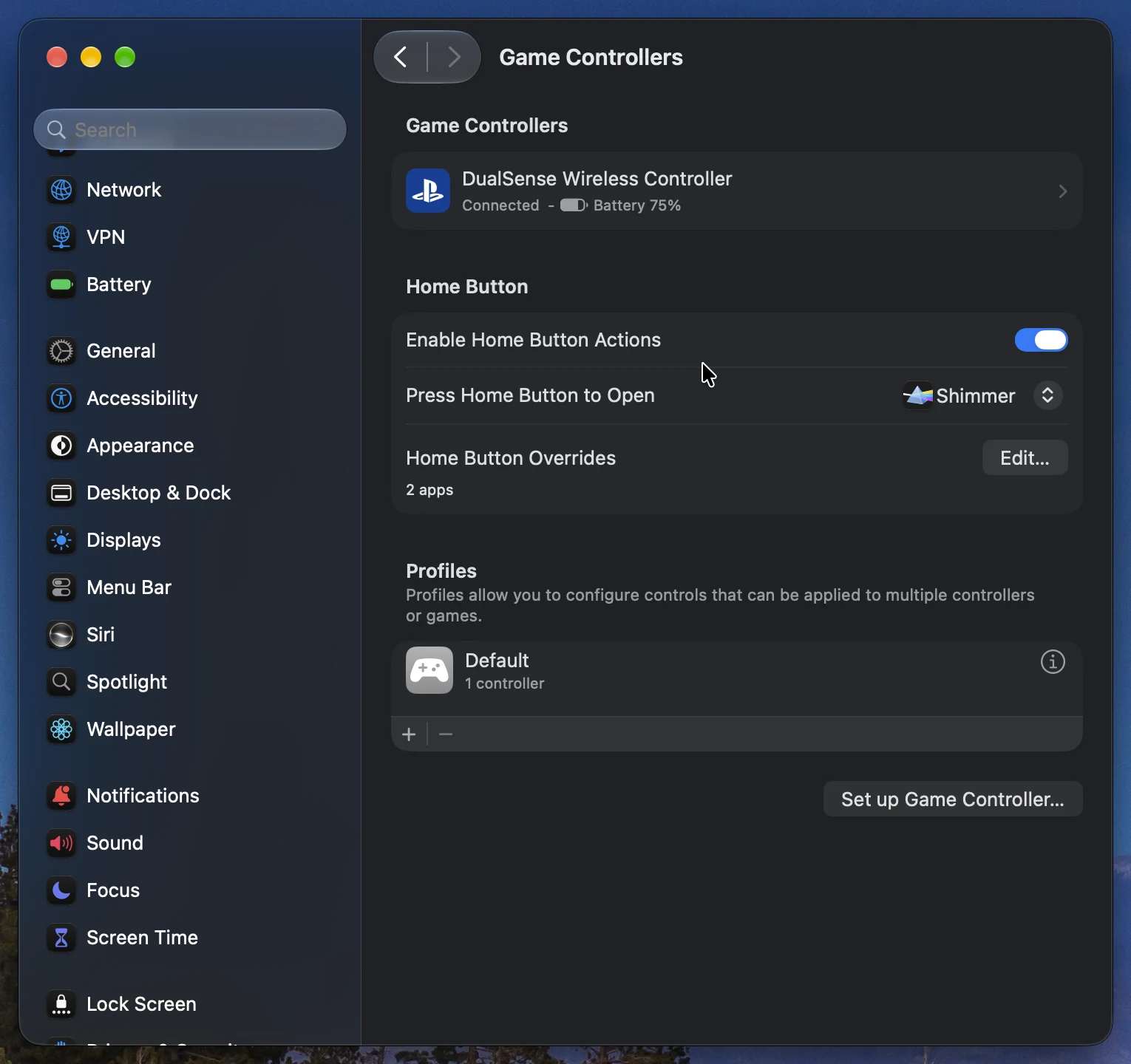
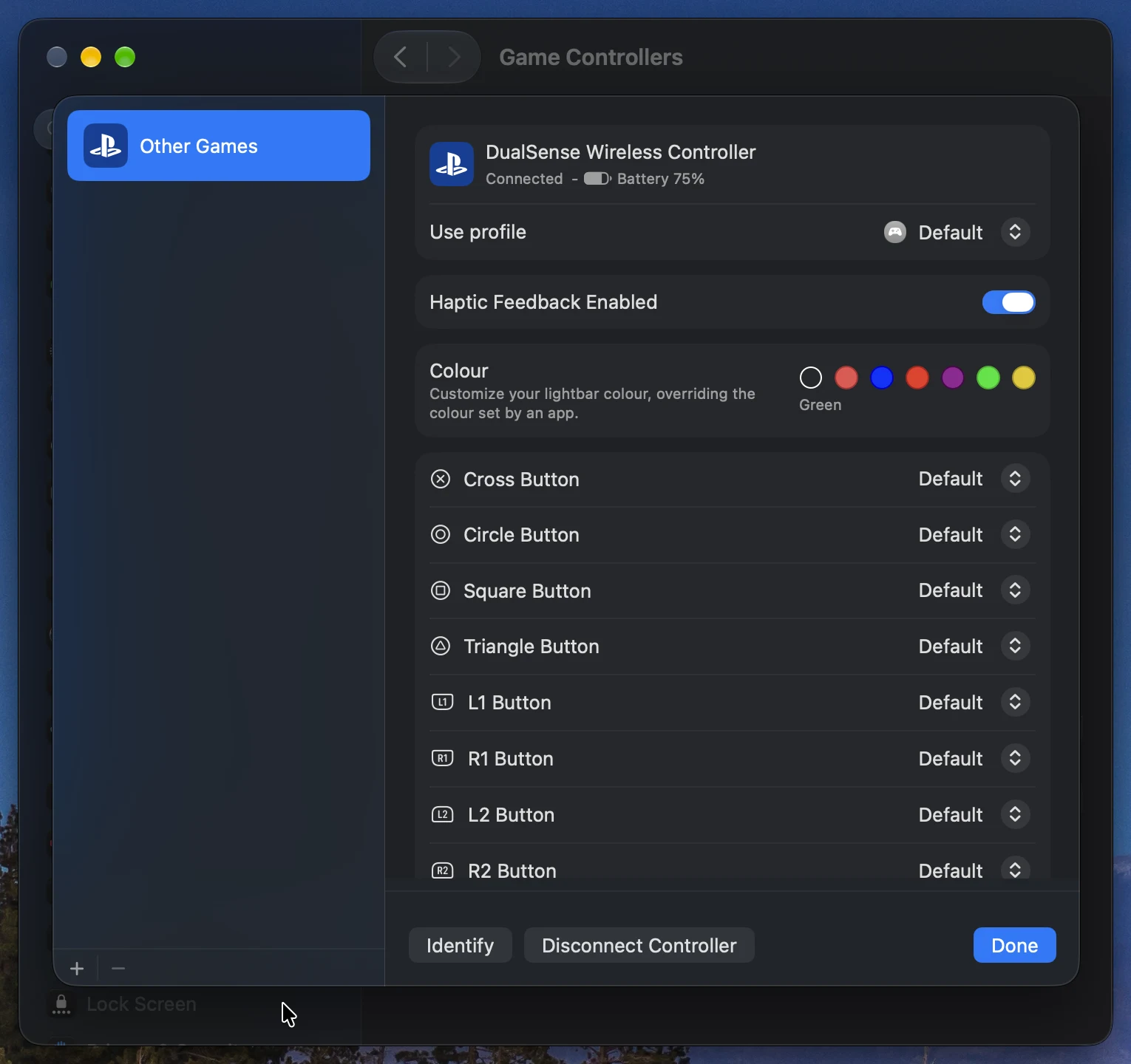
One thing that makes this setup better is that since the relationship between Apple and PlayStation has been good over the past few years, DualSense controllers get a little bit of special treatment. Pressing the PS button connects mine instantly, and I've never had issues with it. The native settings page in Apple's System Settings is a pleasant touch too.
What's next?
I think I'm again gonna leave this alone for a while, especially since I think I spent too much time endlessly tinkering with it. As the AI models get better, I might try setting up some agent loops to reduce CPU usage, especially at higher bitrates, and also reduce latency. And I might look into the new Pyrowave codec in Steam's Remote Play, and perhaps replace Sunshine on the server too. I was thinking of adding support for PS5 in preparation for GTA 6's launch on November 19, but I think that would lead to feature bloat.
Conclusion
I'm really happy with how this turned out! I think the app icon has a lot of charm, and every time I use it, I'm still shocked at how the computer doesn't stutter or drop in frame rate regardless of what's going on. Streaming games truly feels like a reality now. I've been incredibly lucky to have an NVIDIA GeForce NOW data center open in Barrie, Ontario, so I also get to experience triple-A games running on an RTX 5080, streamed to this beautiful Apple Studio Display XDR that I got over the summer. I expect streaming to continue to grow with the shortage of modern consoles and Xbox announcing that GTA 6 will be playable on Xbox Cloud Gaming from day one. Perhaps this will be the moment people finally give game streaming a real try.
Like Deskpilot, Shimmer is released under SlaughterHouseSoftware and licensed under the GPLv3, so it stays free and open source.
Postscript
This project was developed for fun in my free time, and was vibe coded and built for vibe coders. However, I did read Addy Osmani's recent post on critical thinking when agents do the work. I respect that Addy still holds these views despite his recent move from Google to Anthropic, a company notorious for its culture. Regardless of what the future holds, I do believe we should be wary of cognitive surrender and focus on leveraging AI to build more complex, important, and beautiful software.